The customer portal that stops the "is it ready yet?" calls
If half your calls today start with "just checking if my thing is ready yet" — you already know the problem. Not emergencies, not sales. Just status checks on jobs that are still sitting on the bench.
A customer self-service portal won't fix everything. But it gives customers somewhere to go instead of calling you, and that's worth understanding properly before you dismiss it as "another thing to set up."
What the phone calls are actually costing you
Each "is it ready?" call might take two minutes. If you're getting fifteen of those a day, that's half an hour — but it's worse than that in practice, because each one pulls someone off what they were doing. A technician answering the phone mid-solder is a dropped board waiting to happen. A receptionist on a call can't serve the person standing at the counter.
The real cost isn't the two minutes. It's the refocus time every single time.
And the frustrating part is the customer doesn't want to call either. They'd rather check on a screen in ten seconds than sit on hold. They're only calling because there's nowhere else to go.
What a repair shop customer portal actually does
At its most basic, a portal is a page your customer can open — usually from a link you send by WhatsApp or email when you take the device in — to see:
- Job status — what stage the repair is at, and when it last moved
- Technician notes — anything you've chosen to share ("waiting on a part", "fault confirmed, quote ready for approval")
- Estimate approval — if you send quotes, they can approve or decline without ringing you back
- Invoice download — they can pull their own invoice PDF without asking
- Payment — if you take card payments, they can pay straight from the portal
Some portals also let customers submit a new repair request themselves, without calling or driving in.
None of this is complicated. The point is that it takes your team out of the middle for routine questions.
Portal or WhatsApp update? Both
You might already send customers WhatsApp updates when a job status changes. Good — but the two aren't the same thing, and they work together.
A WhatsApp update pushes information out when you do something (move a job to "ready", add a note). A portal lets the customer pull information whenever they want it.
Both matter. The push is faster for the moments that count ("your laptop's ready"). The pull means they're not messaging you at 8pm on a Saturday for an update you forgot to send.
A well-set-up shop does both: automatic WhatsApp updates at key status changes, plus a portal link in the first confirmation message so they can check any time.
What to look for in a portal (and what to skip)
Worth having
No account to create. The customer shouldn't have to sign up for anything to check on their phone. One click from a link you sent, or a six-digit code to their number. Account creation is friction — customers won't bother, and then you're back to phone calls.
Customer-visible notes. You need control over what shows on the public-facing view. Internal notes — diagnostic log, parts cost, your technician's shorthand — stay private. Notes you specifically mark as customer-visible show on the portal. That distinction matters more than it sounds.
Estimate approval in-portal. If you quote before proceeding, the customer approving via the portal creates a record — a lot more defensible than "they said yes on the phone."
Invoice download. Customers lose WhatsApp messages and emails. They don't lose a PDF they've downloaded themselves. Anything that lets them self-serve their own paperwork cuts down the "can you resend my invoice" requests two months later.
You probably don't need
A full account with password and cross-job history. It sounds nice, but it adds friction for the customer and complexity for you. Most repair customers are one-off or occasional. A portal that works from a per-job link covers what nearly all of them need.
Real-time chat built in. You already have WhatsApp. Don't run a second inbox because the portal software includes one.
Booking widgets are worth considering, but that's a different job from a job-status portal.
How to tell if it's actually working
Give it four to six weeks before you judge it. Most customers need one job through the new system before the habit forms.
Measure two things: inbound call volume (rough is fine — just count for a week before and a week after), and how many "is it ready?" WhatsApp messages you're getting. Both should drop.
If they don't, it usually means customers aren't opening the link. Check the message you send at intake actually includes it, and that the link works on a phone, before deciding the portal is useless.
How Benchworks does it
When we built Benchworks, the portal was in scope from the start — not a premium add-on, just part of the basic job workflow.
The customer signs in with a six-digit code sent to their phone or email, or looks a single job up with the ticket reference and the last four digits of their number. Either way, there's no account to create and no password to forget.
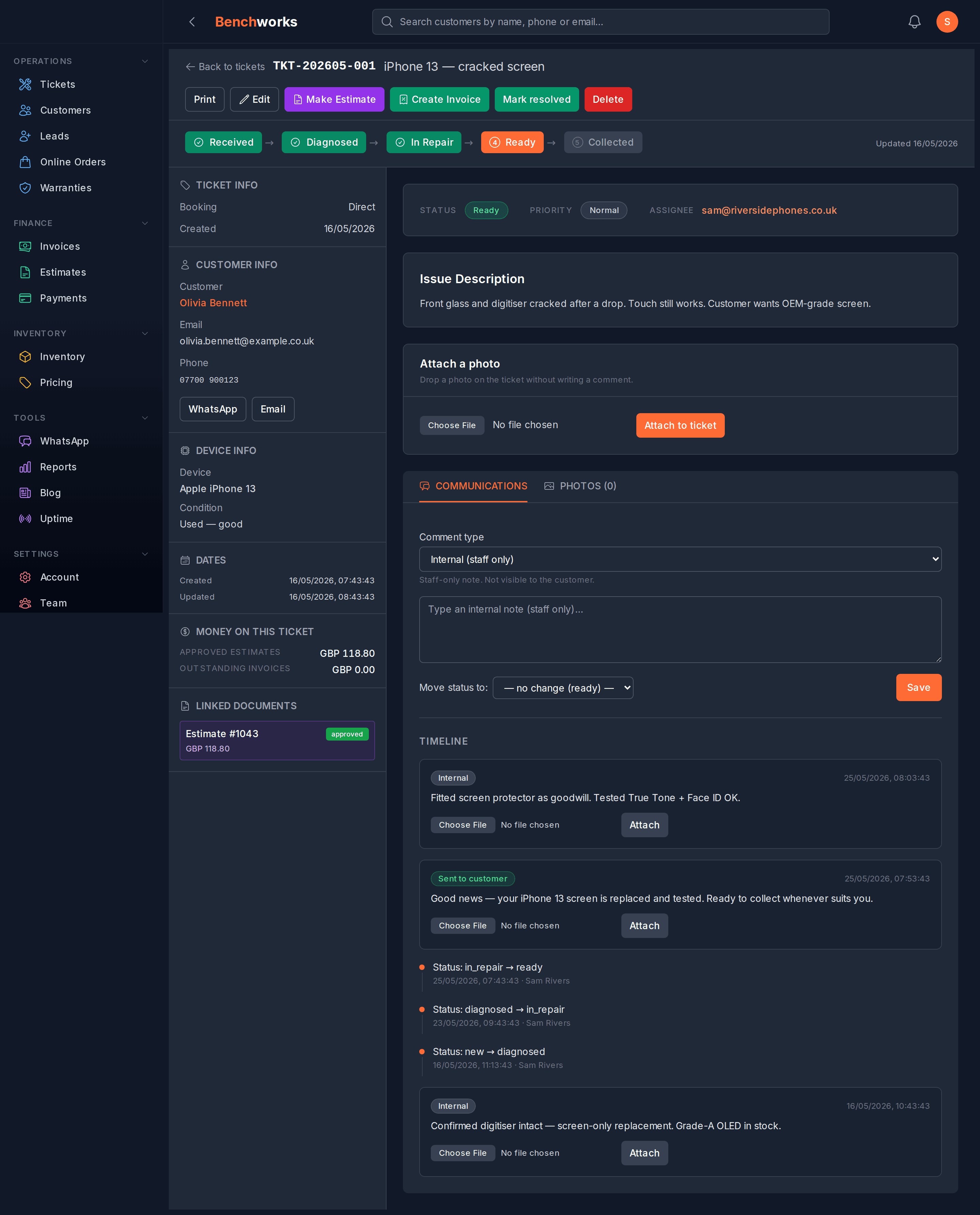
From there they can check job status, read the notes you've marked customer-visible, approve or decline an estimate, download the invoice or estimate as a PDF, and pay if you've got card payments switched on. It works on a phone, which is where they'll open it.
If you want to see what it looks like, sign up and run a test ticket through — no card, and nothing to escape from if it's not right for you.
The bigger picture
A customer portal isn't a magic fix. If you have deeper problems — jobs taking too long, poor communication, estimates that keep changing — a portal just gives customers a faster view of a broken process.
But if your jobs are running fine and your team is still fielding status-check calls all day, a portal is almost certainly the right fix. Start with the basics: a working job-status link in your intake message. See if that alone changes the call volume. Add estimate approval and invoice download once you've got a feel for how customers use it.
There's more on the Benchworks blog — we write about the unglamorous side of running a repair shop rather than trying to sell you features you don't need.