Sending WhatsApp job updates to customers — what you need to know
If your phone rings five times a day with customers asking whether their device is ready, you already know the problem. They're not being difficult. They just haven't heard anything since they handed it over, and WhatsApp is where they live.
Sending a quick update — "job in progress", "part ordered", "ready for collection" — cuts those calls down fast. The tricky bit is doing it at scale without getting nickel-and-dimed by whatever platform you're using.
Here's a plain-English breakdown of how it works, what it costs, and where the traps are.
The two ways to send WhatsApp messages from your shop
Option 1: the free WhatsApp Business app
The free WhatsApp Business app is where most shops start. Business profile, catalogue, quick replies, and you can message customers from your registered number.
It's fine when you're a one-person shop and don't mind doing it by hand. The limits show up quickly:
- It's a manual job. You can set an away message and a greeting, but you can't have it fire "your ticket has moved to In Progress" when you update a job in your shop software. That connection doesn't exist.
- No integration. Your job cards live in one system, WhatsApp lives on your phone, and the two don't talk.
For a one-person shop doing ten jobs a week, that's probably fine. Anything busier and you'll hit the ceiling.
Option 2: the WhatsApp Business Platform (the Cloud API)
The Cloud API is the version businesses use to send messages programmatically. When your bank sends a balance notification on WhatsApp, or a courier sends a delivery update, that's this.
It's what lets your shop software send a message the moment you move a ticket:
- Customer books a repair
- You start diagnosing
- You move the ticket on in your software
- The message goes out automatically
- Customer gets "we've started work on your laptop, we'll message when we know more" — without you lifting a finger
One thing worth clearing up, because a lot of older advice gets this wrong: you used to have to choose between the Cloud API and the Business app on a given number. That's no longer true. Meta now supports running both on the same number, with your message history kept in sync between them. So moving to the API doesn't mean giving up the app your front desk already uses, or scrambling for a second SIM.
What it actually costs
Meta changed how this is billed on 1 July 2025. It used to charge per conversation — a 24-hour window, one price, as many messages as you liked inside it. It now charges per message. A lot of guides and vendor pages still describe the old model, so if someone quotes you a "per conversation" rate, they're working from stale information.
Messages fall into categories, and the category sets the price. Your job updates are utility messages — status changes, collection notices, that sort of thing — which are among the cheapest.
To put a real number on it: on Meta's published rate card for South Africa, a utility message is $0.0076 and a marketing message is $0.0379. So a shop sending 500 job updates a month is looking at under $4 of Meta fees. Rates differ by country, but Meta publishes the whole card publicly — you can look up your own before you talk to any vendor.
A change worth diarising: at the moment, "service" messages — your free-form replies inside a customer conversation — are free, and so are utility messages sent inside an open window. From 1 October 2026 Meta starts charging per message for those too. If someone is selling you on "free replies", know that it has an expiry date on it.
Where the hidden costs live
To use the Cloud API you'll often go through a Business Solution Provider that handles the technical setup, and some of them add a fee on top of Meta's.
You'll see claims flying around that providers add "15–20%" to your message costs. We couldn't find a credible source for that number, and it doesn't really describe how anyone bills — so we're not going to repeat it. What we can point at is published: Twilio, one of the biggest providers, charges a flat $0.005 per message on top of Meta's fee. Others — 360dialog, respond.io — advertise no markup at all.
So the honest version is: the markup is usually a small flat fee or nothing, not a mystery percentage. But it varies, and some resellers are less transparent than others. The question to ask, in writing, is simply:
"Do you add anything to Meta's message rates, and if so exactly how much per message?"
If you can't get a straight per-message number back, that's your answer.
The cleanest arrangement is bringing your own WhatsApp Business Account. You go through Meta's onboarding yourself, connect your number, and your software sends through your account. Meta bills you directly. No middleman on the money at all.
What you need to get set up
Business verification. New accounts start with a sending limit — 250 unique recipients in 24 hours. To move up to 2,000, you either verify your business with Meta or simply build a track record of successfully delivered messages. Verification is the faster route, and it's mostly a matter of connecting a Facebook Business Manager account and providing basic business details. For a shop sending a handful of job updates a day, the starting limit isn't a constraint anyway.
Message templates for outbound messages. If you're messaging someone who hasn't messaged you in the last 24 hours, you can only send a pre-approved template. Templates go to Meta for approval before use. One might look like:
"Hi {{1}}, your {{2}} is now {{3}}. Reply to this message if you have any questions."
Approval for a straightforward utility template usually takes minutes to hours. You're not writing War and Peace — it's a short message with placeholders, and the bar for utility templates is low.
The 24-hour window, in practice
Once a customer replies to you — or messages you first — a 24-hour window opens where you can send free-form messages rather than templates. It's usually called the customer service window, and it resets every time they message you.
In a repair shop that matters when someone replies to your status update with a question. You can just answer, back and forth, no template needed.
When the window closes and you need to send a new update, you're back to templates. For most shops that's fine — status notifications are naturally template-shaped anyway.
How Benchworks handles this
We didn't want to be another platform that takes Meta's fees and tacks a percentage on. So we don't sit in the middle of your messaging bill at all.
You connect your own WhatsApp Business Account. Setting it up is a guided walkthrough in the dashboard — you copy a few IDs across from Meta's setup screen and paste a callback URL back into Meta. It's about six steps and you only do it once. If you get stuck, email us and we'll do it with you.
Once it's connected, Meta bills you directly at their published rates. We never touch that money, don't resell it, and add nothing to it. We make our money on one flat monthly subscription and nothing else.
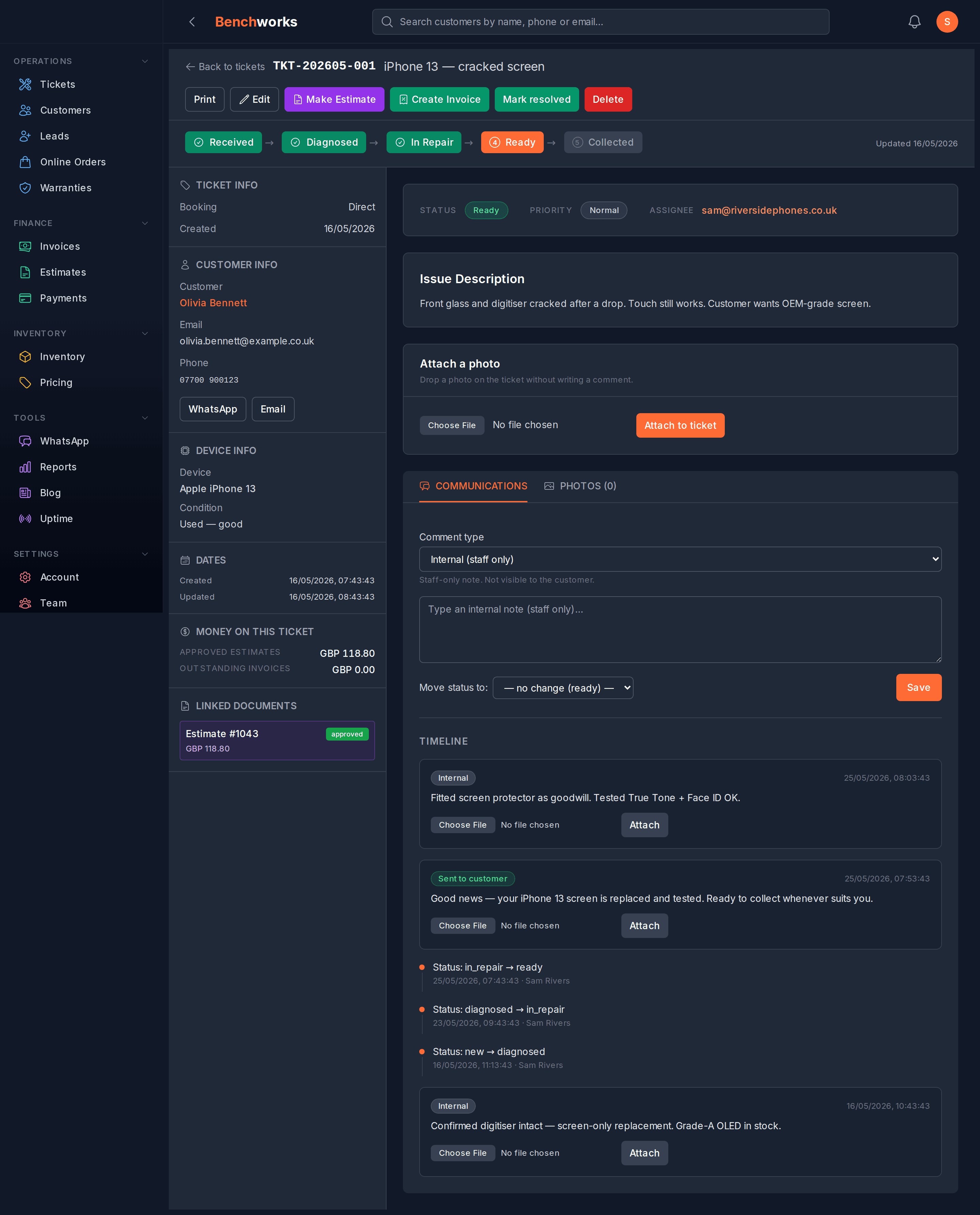
Messages go out automatically at the points that matter: when you book a device in, when it's ready for collection, when you send an estimate or an invoice, when a payment lands, and on collection reminders. For any other status change, whoever's moving the ticket ticks a box to send an update — deliberately, so customers don't get pinged for every internal step.
Every template is editable in your settings, so the words sound like you and not like a call centre.
If you want to see it, sign up — no card, no contract. The pricing page is one number.
The short version
WhatsApp job updates genuinely reduce "is it ready?" calls. The free Business app works at low volume but won't talk to your job software. The Cloud API will — and you can now run both on the same number.
Meta charges per message, not per conversation, and publishes the rates for your country. Utility messages are cheap. Check whether your provider adds anything on top, and get the number in writing.
The setup — verification, number, templates — is a few hours of one-time work. After that the messages go out as you move tickets along, and your phone stops ringing.