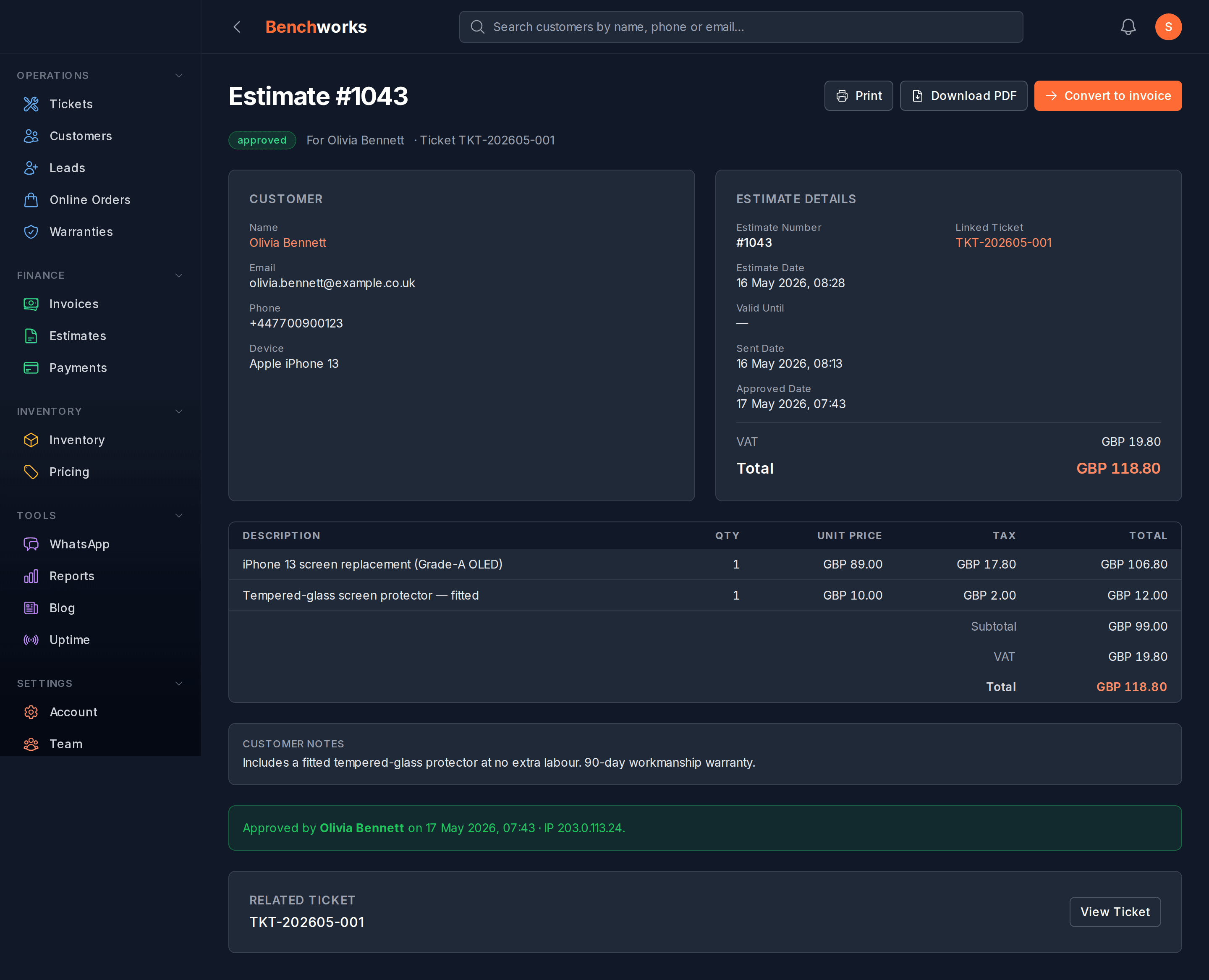
I want to draft an estimate and send it to a customer
From the ticket page. Lines, prices, send. They tap a link to approve.
Where to start
Open the ticket on the dashboard. Top-right of the page is a Make estimate button — click it. We pre-fill the customer and the device from the ticket; you can’t change those on an estimate, they’re locked to the ticket they belong to.
Adding lines
Click "Add line". Type a description, quantity, unit price. Repeat for each part or labour item. If you’ve synced a pricing book (Settings → Pricing → Google Sheet), click "Add from pricing book" to pick from your saved prices.
Tax is calculated per line based on your shop’s tax setting (Settings → Tax). VAT-registered SA shops see 15% on every line; UK shops see 20%; AU/NZ get 10% and 15% respectively. The customer-facing PDF shows the breakdown clearly.
Currency is locked to your shop’s currency on first send. Once the customer sees the document, the currency cannot be changed — historic invoices and estimates are immutable on the money side.
Sending it
When you’re ready, hit Send. Two options: WhatsApp (default, customer gets a tap-to-view link) or email (if they have email on file). Once sent, the estimate locks — you can void and replace it, but you can’t edit a sent estimate in place.
What the customer sees
They tap the link and land on a clean web page at /p/e/{id}. No login required — the link is signed and expires after 30 days. They see the lines, the total, your shop name and contact info. Two buttons at the bottom: Approve and Decline. If they Approve, we ask for their typed name as a basic e-signature. If they Decline, we ask for a short reason and email you.
You’ll see the status flip in your dashboard the moment they tap. From draft → sent → approved (or declined).