I want to turn an approved estimate into an invoice and get paid
One button. The lines copy over. They pay via the portal or you record cash.
Converting
Open the approved estimate. Top-right has a "Convert to invoice" button. Click it. We create a new invoice in draft state with all the lines copied over — same prices, same tax, same currency. The estimate is marked "Converted to invoice" and links to the new invoice.
The invoice is editable until you hit Send. Add a line, remove one, fix a typo. Once sent, it locks the same way an estimate does.
Sending the invoice
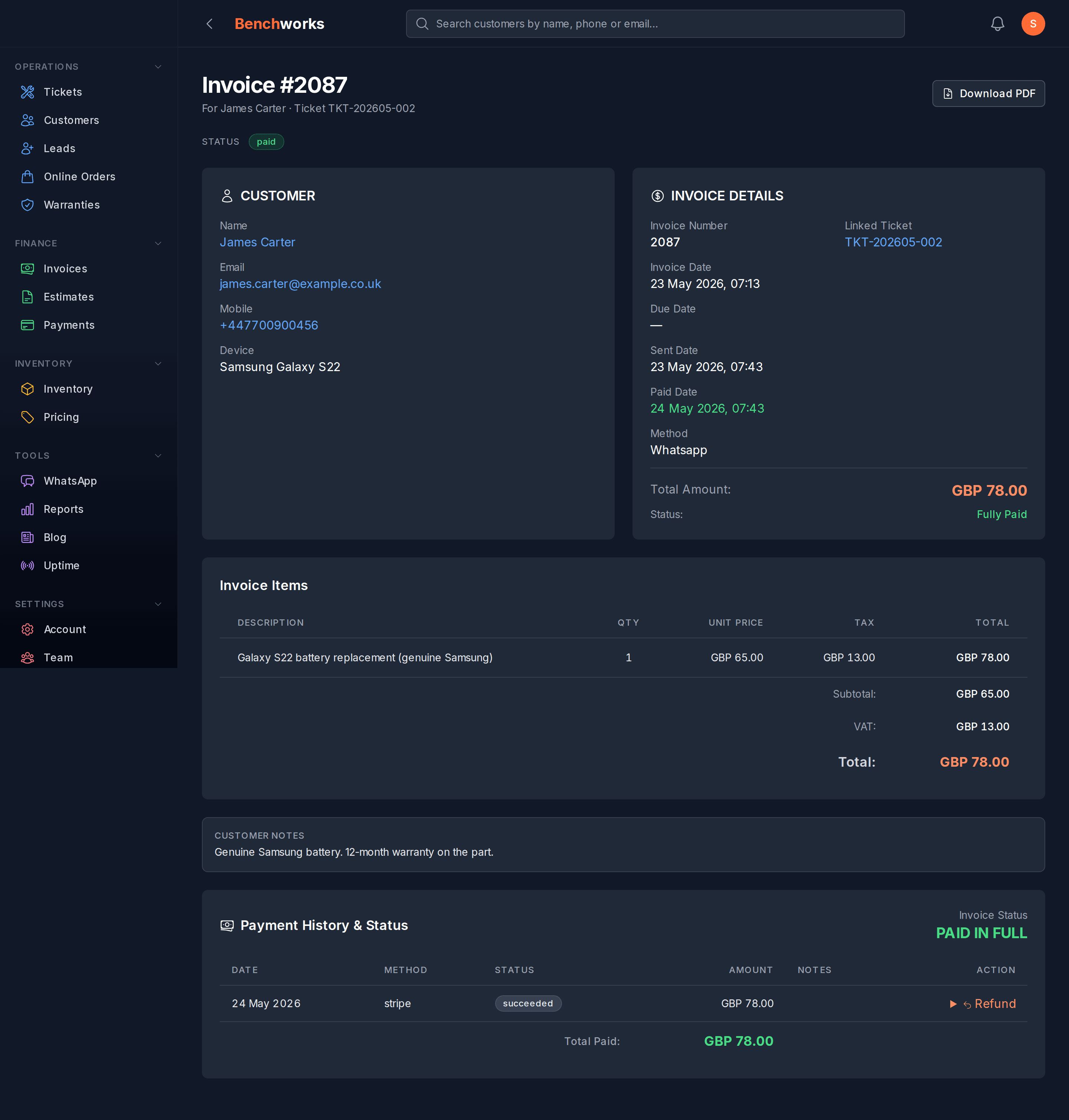
Hit Send. WhatsApp or email, same as estimates. The customer gets a link to a public invoice page at /p/i/{id} with a Pay button and a Download PDF button.
Invoice status moves draft → sent → paid (or partially_paid → overdue if it ages past due date with a balance).
Getting paid
Three ways the money comes in.
- Customer taps Pay on the public link. Routes to Stripe (UK/AU/NZ) or Paystack (SA) based on your shop’s gateway setting. Webhook flips the invoice to paid and fires a WhatsApp receipt automatically.
- Customer pays cash, EFT, or cheque at the counter. On the invoice page, click "Record manual payment", pick the method, type the amount. Owner / admin only. Audit-logged.
- Customer pays half now, half on collection. The invoice goes to partially_paid. Record the rest the same way when they pay it off. Once outstanding hits zero, status flips to paid automatically.
Refunds
Per payment, one click. On the invoice page, find the payment row, hit Refund. Owner / admin only. If the original was Stripe / Paystack, we send a refund instruction back to the gateway. If it was cash, we just record the refund on our side. Audit-logged either way.