How to get your data out of your repair shop software
If you've ever thought about switching repair shop software, you've probably run into the same wall: "What happens to all my data?"
Years of customer records, ticket history, parts pricing, invoices — it lives inside a system you don't control. And if you try to leave, some providers make it hard to take it with you. That's not an accident.
This is a practical guide to what data you have, what you should be able to get back, and how to actually get it out — whether you're switching platforms, taking a backup, or just want to know you're not trapped.
Why data lock-in is such a common problem
Software companies know that the harder it is to leave, the longer you stay. That's the business model behind lock-in — not malice exactly, but definitely self-interest.
Some providers give you CSV exports that miss half your fields. Others make you submit a support ticket and wait. A few charge you for a "data migration package" when you cancel.
Your data is your business. A five-year history of customer repairs is genuinely valuable — for marketing, for warranty tracking, for understanding what breaks. Handing that to someone else and hoping they'll give it back cleanly is a risk most shop owners don't think about until the day they need to.
What you should be able to export
Not everything needs to come out, but a few categories are essential:
Customer records — names, phone numbers, email addresses, addresses. This is your contact list. Without it you can't reach your customers after a move.
Ticket history — job descriptions, status history, technician notes, dates. This is the operational record of your shop. It's also how you spot repeat faults on particular devices.
Invoices and estimates — amounts, line items, payment status, dates. You need this for accounting and for any customer dispute. In some places you're legally required to keep it for years.
Parts and inventory — your parts catalogue, supplier details, cost and selling prices. Rebuilding this from scratch is a slog.
Payment records — how much was paid, when, and by what method. Especially important if you reconcile against accounting software.
If your current software can't produce all of these in a usable format, better to find that out now than the day you want to leave.
The common export formats and what to watch for
Most platforms export to CSV — plain text that opens in Excel or Google Sheets. CSV is fine if the export is complete. The problem is that it often isn't.
Watch out for:
- Missing columns — a "customers" file with no phone number or email isn't a complete export.
- Files that don't link to each other — one file for customers, one for tickets, but no shared ID connecting them. Without that link you can't tell which tickets belong to whom.
- Ambiguous dates — "07/04/2024" could be 7 April or 4 July depending on where the file was made. This causes real problems on import.
- Special characters breaking the file — names with apostrophes or commas (O'Brien, Murphy & Sons) can corrupt a CSV that isn't properly encoded.
If you're not sure an export is complete, open it in a spreadsheet and compare the row count to what you know you have. If the system says 2,000 customers and the file has 1,800 rows, something's been cut off.
JSON exports are less common but generally cleaner — they hold the structure better than flat CSVs. If your software offers JSON, take it.
How to actually export from the platform you're on
Menus change, so a step-by-step guide goes stale fast. The pattern to expect is this: most repair platforms don't have one "export everything" button. You export list by list — customers, then tickets, then invoices, then inventory — usually from an Export or Download control on each list screen.
We've written up the actual steps for the systems shops most often move from, and we keep them current:
- Exporting from RepairShopr or Syncro
- Exporting from RepairDesk
- Square, QuickBooks, Xero, a Google Sheet, or paper records
Two things worth knowing whichever system you're on. First, some platforms remove your data after you cancel — export everything before you cancel, not after. Second, if you can't find a self-serve export, email support and ask in writing: "I need a full export of all my customer records, tickets, invoices and parts data in CSV or JSON format." If they refuse, or ask you to pay for it, that tells you something.
And test your export before you need it. Do a trial export today, open the file, check it looks right. Don't discover the problem the morning you're trying to migrate.
Why you should export regularly even if you're staying put
Even if you're happy where you are, a regular export is good practice. What happens if:
- Your software company is bought and the new owner discontinues the product
- There's a breach and your data is exposed
- The platform goes down for a stretch and you need to serve customers from a local copy
- You get into a billing dispute and your account is suspended
None of these are likely on any given day. Over five or ten years of running a shop, the odds add up. A monthly export sitting in your Google Drive costs nothing and means you're never completely dependent on someone else.
How Benchworks handles this
Data export was one of the first things we built — not because we expect you to leave, but because you should always be able to.
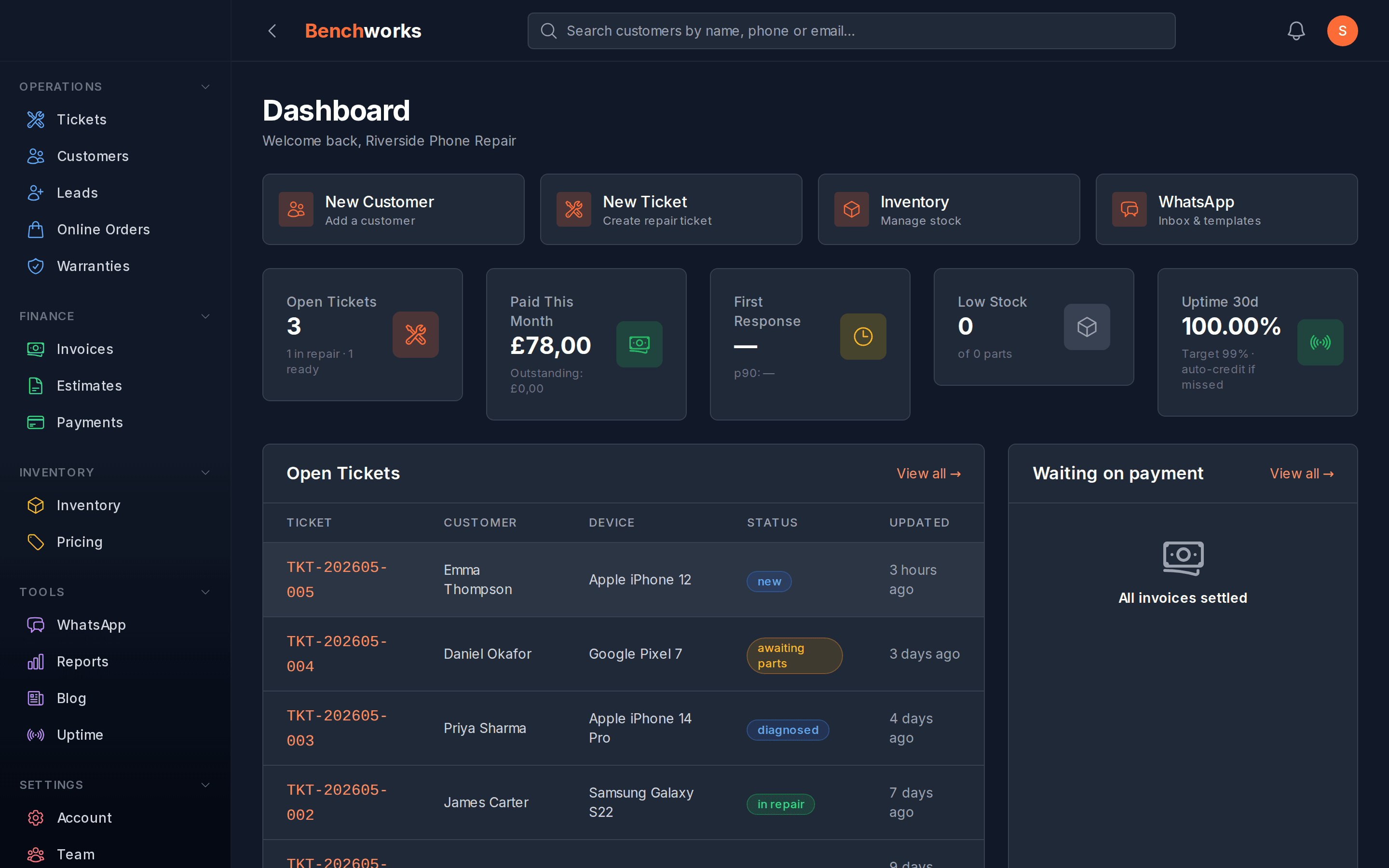
In your account settings there's a button that bundles your whole shop into one ZIP: customers, tickets and their line items, parts and stock, payments, notes, messages, warranties, purchase orders, the lot. Every table comes out as both a CSV and a JSON file, so you can open it in a spreadsheet or feed it to another system. No support ticket, no waiting period, no fee.
If your shop is big enough that the bundle would be enormous, you'll get a message asking you to email us and we'll generate it on our side — that's the only case where a person is involved, and it's about file size, not permission.
The same thinking applies to cancelling. You cancel with one click in settings. Your account then goes read-only for 90 days, and export stays open the whole time, so you can pull a fresh copy whenever you're ready. No retention call, no hoops.
That's the standard we think every shop platform should be held to. It isn't an unusual ask — it's just your data.
If you want to see it, sign up — no card, and the export is there from day one.
A checklist before you commit to any repair shop software
- Can you export all your data in a standard format (CSV or JSON)?
- Is the export self-serve, or do you have to contact support?
- Does it include customer records, tickets, invoices, parts and payment history?
- Are there fees for exporting or migrating away?
- What happens to your data after you cancel — and for how long?
If a platform can't answer these clearly, assume the answers aren't in your favour.
Your customer database took years to build. It should always be yours to take with you.
See all Benchworks posts on the blog.