Sending invoices on WhatsApp — what repair shops need to know
Chasing people to come and collect finished repairs is one of the most annoying jobs in a shop. The device is done, the money's sitting on your bench, and the customer's gone quiet.
An emailed invoice gets buried. A WhatsApp gets read in minutes. Getting the invoice into the chat they're already looking at — before they turn up — takes most of the awkwardness out of the collection conversation, because they already know the number.
Here's how it actually works, what it costs, and how to tell whether you're being overcharged for it.
How WhatsApp billing works for a business
There are two ways a shop sends WhatsApp messages: the free Business app on your phone, or the WhatsApp Business Platform (the Cloud API) which your shop software can send through automatically. We've covered the difference between the two, and how to set the API up, in more detail here.
For invoices, the mechanics matter less than the money, so let's do the money.
Meta charges per message. This changed on 1 July 2025 — it used to be priced per 24-hour "conversation", and a lot of guides and vendor pages still describe the old model. If someone quotes you a per-conversation rate, they're reading from something out of date.
Messages are priced by category. An invoice or a "your repair is ready" notice is a utility message, which is one of the cheaper ones. On Meta's published South African rate card a utility message is $0.0076; marketing is $0.0379. Rates vary by country, and Meta publishes the full card publicly, so you can look yours up before you talk to any vendor.
A shop sending a few hundred invoices and job updates a month is looking at a few dollars in Meta fees. That's the real cost. It's worth knowing, because it sets your baseline for judging what a platform charges you.
Where the extra costs creep in
To use the Cloud API, many shops go through a Business Solution Provider that handles the technical setup, and some of them add their own fee per message.
You'll see it claimed that providers add "15–20%" on top. We went looking for a credible source for that figure and couldn't find one, so we're not going to repeat it. What is published: Twilio, one of the larger providers, charges a flat $0.005 per message on top of Meta's rate. Others, like 360dialog and respond.io, advertise no markup at all.
So the honest picture is that a markup, where it exists, is usually a small flat fee rather than a percentage. But it varies, and some resellers are vaguer about it than others.
The three questions to ask your software provider
1. Do I connect my own WhatsApp number, or do I use yours?
Some platforms send from a shared number. Others let you connect your own WhatsApp Business number. Connecting your own is better: your shop name shows up in the chat, and if some other business on a shared number gets flagged for spam, you're not caught in it.
2. Do you add anything to Meta's message rates — exactly how much per message?
Get it in writing, as a per-message figure. If the answer is "it depends on usage" or "Meta's rates apply", press for the number. Then compare it against Meta's published rate for your country. The gap is the markup.
3. Is WhatsApp bundled into my plan, itemised, or silently added?
You want to know which before you have a busy month, not after.
Actually sending the invoice
The mechanics are simple once the API's connected.
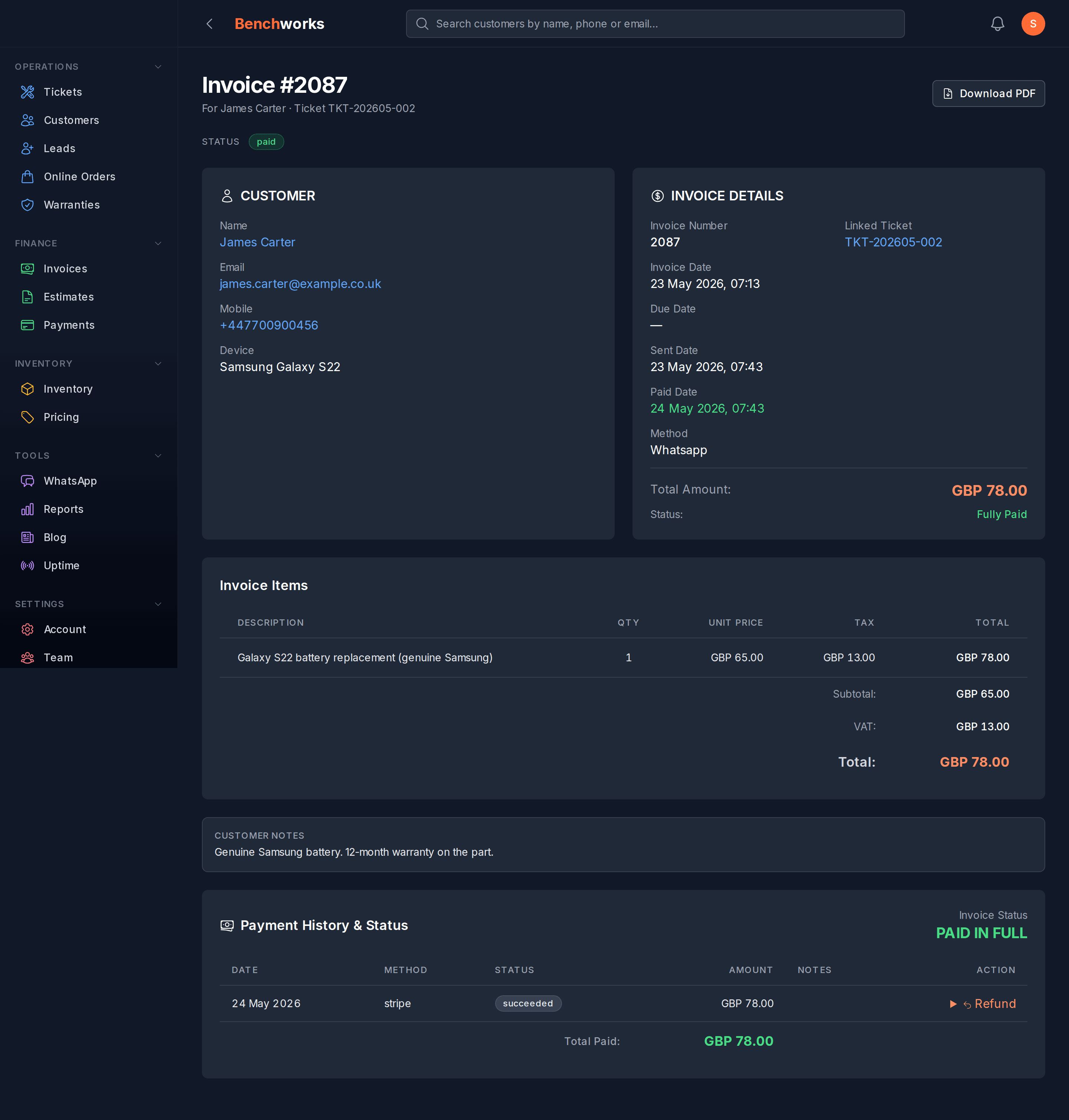
The ticket hits "ready for collection". Your software generates the invoice PDF. A message goes to the customer's WhatsApp with the invoice — "your repair is ready, invoice attached, let us know if you've got any questions" — and they can pay by link, card or cash when they collect.
No phone calls chasing people. No "did you get my email?" It arrives in the app they check all day.
For that to work you need:
- A WhatsApp Business Account connected to your software
- The customer's WhatsApp number captured at drop-off — just ask; most people are happy to hand it over once they know it means updates rather than an unanswered email
- Their opt-in recorded, because Meta requires it
The opt-in doesn't have to be formal. A tick box on your intake form does it, or a line at handover — "we'll WhatsApp you when it's ready, that alright?" — noted in the system.
Why it helps at the counter
Two things change when the invoice goes out ahead of the customer.
The first is that they've already seen the number. Nobody's discovering the price while standing at your counter with their card out, which is where awkward conversations start.
The second is that it removes a step for you. You're not printing an invoice at handover — it went out when the job was marked ready, along with the message telling them to come and get it. One action, both jobs done.
How Benchworks does it
We don't sit in the middle of your messaging bill at all.
You connect your own WhatsApp Business Account — a guided walkthrough in the dashboard where you copy a few IDs across from Meta's setup screen. Once it's live, Meta bills you directly at their published rates. We never touch that money, don't resell it, and add nothing to it.
We make our money on one flat monthly subscription. That's the whole model. Adding a margin on top of a shop's customer messages felt like the wrong way to treat someone trusting us with their customer communication.
The invoice message itself is a template you can edit in your settings, so it reads like you wrote it.
If you want to see it working, sign up — no card required.
If you think you're overpaying right now
- Pull your last three months of WhatsApp billing from your current provider
- Count the messages sent
- Compare against Meta's published rate for your country and category
- The gap is what your provider is taking
If you're sending several hundred messages a month and paying multiples of the Meta rate, that's real money — and worth at least knowing about before your next renewal.
See all Benchworks posts for more on running a shop without hidden costs.