RepairShopr alternatives — what to actually look for
If you've been using RepairShopr for a while, you probably have a complicated relationship with it. It does the job. It's been around long enough that there's a community, tutorials, and integrations you've spent real time setting up. But there's usually a moment — a price change, a support ticket that went nowhere, a bill that didn't match what you expected — that sends you searching.
This post isn't going to tell you RepairShopr is terrible. It isn't. It's a mature product with a deep feature set. What it is, is a product built around a pricing structure and a data posture that a lot of small shops have stopped finding reasonable.
Here's an honest look at what to check when you're weighing up alternatives.
The billing structure matters more than the feature list
The most common reason shops go looking isn't features. It's the moment they hire a second person, or open a second site, and the bill moves in a way that wasn't obvious at signup.
RepairShopr's published plans run from $69.99/month (Starter) through $139.99 (Repair Shop) to $149.99 (Big Chain), with around 15% off for paying annually. The tiers are defined by locations and by how many users are included — Starter covers one user; the larger plans include ten.
So it isn't a simple per-head charge. It's a bucket. And the practical effect is that growth doesn't cost you a little more — it costs you a tier. Going from one technician to two isn't a small increment.
When you're evaluating any alternative, work out the full cost at the size you expect to be in two years, and find out exactly where the tier boundaries sit. "Unlimited technicians" is a meaningful claim. "Up to X users at this price" is a ceiling, not a floor.
WhatsApp and messaging costs
If your shop talks to customers on WhatsApp — and most do, especially outside the US — look closely at how a platform handles it.
Meta charges per message (this changed in July 2025; plenty of guides still describe the old per-conversation model) and publishes the rates by country. On the South African card a utility message — a job update or an invoice — is under a cent. That's your baseline.
Some platforms sit between you and Meta and add a fee. You'll see the figure "15–20%" thrown around; we went looking for a credible source for that and couldn't find one, so we won't repeat it. What's actually published: Twilio charges a flat $0.005 per message on top of Meta's rate, and some providers advertise no markup at all.
The question to ask any vendor, in writing, is just: do you add anything to Meta's message rates, and exactly how much per message? If you can't get a per-message number back, that's your answer. More detail on how this works here.
Data portability: test it before you need it
This one doesn't feel important until you want to leave.
RepairShopr does let you export. What's worth knowing — and this is from their own documentation, not hearsay — is that there is no single button that exports all of your data. You go list by list: customers, then tickets, then invoices, then inventory, each its own export. Some things, like your full contact list, need support involvement. And in our experience helping shops move across, ticket comment threads, attachments and photos generally can't be exported at all.
None of that makes RepairShopr unusual. It does mean you shouldn't assume "there's an export option" equals "I can leave whenever I want".
Before you commit to any platform — including ours — actually run the export. Download it, open it, count the rows against what you know you have. A platform that makes export easy is one confident enough in its product that it doesn't need friction to keep you.
If you're mapping out a move, we've written up the actual steps for RepairShopr along with the other systems shops usually come from.
Support and the "looks like you found a bug" problem
A frustration you'll hear across repair shop software generally — not RepairShopr specifically — is what happens when you report a bug. You report it, someone confirms they can see it, and then it goes into a queue and never comes back out, or you're told it's expected behaviour.
When you're evaluating alternatives, ask what the escalation path looks like. Does support have access to someone who can actually change the code? Is there a published commitment of any kind?
Most small SaaS products don't publish anything, which tells you something in itself.
What the alternatives actually look like
Shops moving off RepairShopr tend to land in one of three places.
Other established platforms. RepairDesk is the main one, at $99/month per store ($79 annual). It's built around phone repair and has a proper POS. Note that its pricing scales by store, not by staff — so it's cheaper than RepairShopr's mid tier for a single busy shop, and more expensive the moment you open a second. Its annual plan is paid upfront and their terms say no refunds for downgrades, so treat an annual commitment as a real commitment.
Simpler, lower-cost tools. Several tools aimed at small shops trade features for simplicity. The trade-off is usually the things you'll eventually need — proper estimate and invoice states, a customer portal, audit logs. You grow out of them.
Newer flat-fee platforms. A smaller category. The pitch is "one price, all features, cancel any time". The risk with anything newer is obvious: less proven, and a fair question about whether it'll still be here in three years. The upside is that a flat fee means you're not punished for growing.
There's a fuller side-by-side with published prices in our comparison of the main options.
Where Benchworks fits
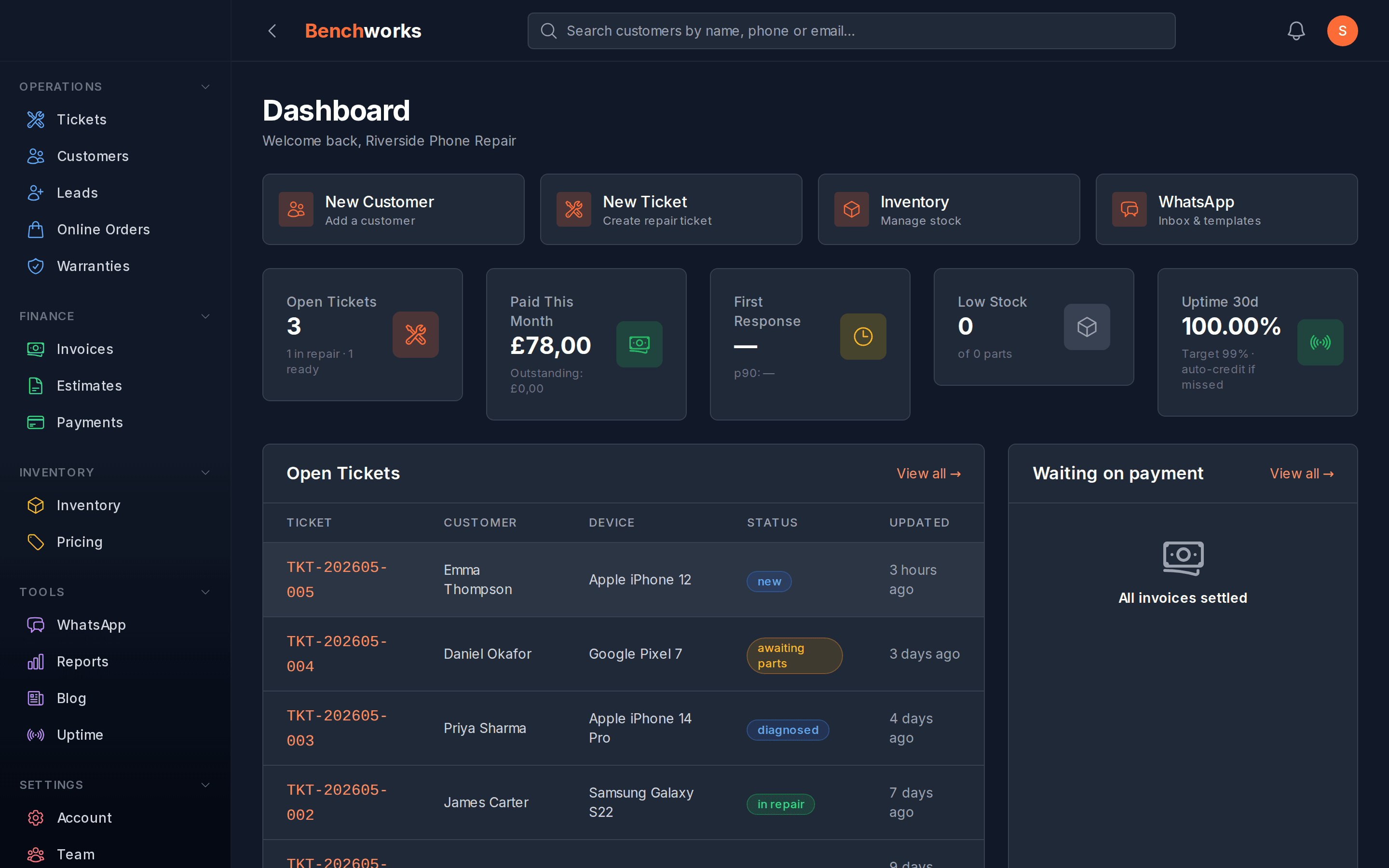
We built Benchworks because we ran a repair shop and had the same frustrations most shops end up Googling eventually.
The decisions we made: $59 a month, flat, unlimited technicians — the first 100 shops get in at $29 and stay there for life. You connect your own WhatsApp Business Account, so Meta bills you directly and we never touch that money. Export everything — as CSV and JSON, every table, in one file — from your settings, any time, no ticket and no fee. And cancellation is a button, not a conversation.
We're newer, so if you want ten years of forum posts and integrations with obscure parts-ordering systems, we're not the answer yet. But if you're a one-to-five-person shop tired of software that bills like it's doing you a favour, it's worth a look. Sign up — no card, first three months free.
How to actually make the switch
Switching shop software is a real project. The bits that usually trip people up:
Open tickets. Most shops don't get a clean cutover. You'll run both systems in parallel for a while. Decide upfront whether you're migrating open jobs or letting them close out in the old system.
Customer history. The thing people care most about and export least reliably. Get a full customer export with ticket history before you cancel anything — some platforms remove your data after cancellation.
Integrations. If you're using an accounting sync, map out what you'll need before you cancel. A gap in accounting data is painful to reconstruct afterwards.
Training. Even if the new tool is simpler, budget time. One slower week while people settle is worth it for a platform that fits better long-term.
The good news is that most shops describe the move as less painful than they'd feared. The fear of switching is usually worse than the switching.
The honest summary
RepairShopr isn't going anywhere, and if it's working for your shop there's no pressing reason to change. But if you're mid-frustration — a bill that surprised you, a support black hole, messaging costs you didn't expect — it's worth knowing what else exists.
The four things to test in any alternative: how does the bill scale with your team and your locations? What exactly gets added to Meta's message rates? Can you export everything without raising a ticket? And how do you cancel?
More posts like this on the Benchworks blog.